
Tomorrow, I plan on doing more podcasting by posting a project I’ve been working on.
And it starts with the short story I wrote as part of the VA writing group, which I’ve titled “The Girl in Apartment 1901.” Again, don’t ask me where that thing came from. And if after listening to it and you’re wondering, I take a large in a straitjacket.
Now, I’ve already got the story here on my site. And I plan to submit it to the 2026 Writers Digest competition this year.
But I thought it would be a fun place to dip my toe more into the wonderful world of podcasts.

In one of the last meetings of the group, one guy expressed that podcasting seemed to be much more difficult than it was. The big thing I’ll admit is that it is time-consuming. To turn out a good product takes a lot of work.
But it can be done.
First, unless you have a horrible accent, your normal speaking voice should work fine (and you can even use that to your advantage). What you need is to tap into the emotions behind your words and use them. I heard a podcast where the man had a thick accent right out of Mexico. But the voice, the emotions, and the subject material made it work. it was captivating.
We’ve all been afraid. We’ve all laughed. We’ve all cried. Tap into those emotions and use them.
And that’s why I shy away from letting AI do the voices for my stories. AI is a tool. It isn’t your voice and soul. In my way of thinking, letting it tell the story is like letting my hammer build a house. It can get the job done, but it will never replace the heart and soul of the builder.
Some outfits offer you the ability to “use” a voice. Again, it’s all AI, and it costs money. Further, it doesn’t always get it right. For that reason, I’d stay away.
Some will even offer you the ability to use a celebrity voice. Again, it’s AI and what they did was clone the voice of the actor or actress. Worse, it might have been done without their permission.
Now, as much as I’d love to have Scarlett Johansson or Liam Nissan read one of my books for my podcast (I can’t afford you guys), I also can’t afford to pay them if they sued me. Let’s be honest here, their voice and appearance are their bread and butter. And just like I wouldn’t like it if they used my stuff without permission, that’s a two-way street. I have to respect and support them as an artist.
I could clone my voice, but then we’re still talking about emotion and performance. It’s called cheating, and you won’t like the results.
So, that leaves me doing it all myself as a DIY project.
What do I need?
First, a computer. Since I’m in IT, I have the best I can buy, but all you really need is a laptop or desktop.
Now, the one place I’d spend money on is the microphone. The microphone on your computer might be fine for talking to Grandma, but it just won’t give you the sound quality you need. Go with the best you can buy. I use a Blue Yeti omnidirectional microphone. I can direct it to where it should hear me from, and I can vary the gain on it so a lot of external noise gets sorted out.
I’ve put some money into my rig. I have a boom, and good headphones. I can direct where it should hear me from, and I can vary the gain on it so a lot of external noise gets sorted out. I have a boom and so on for it. I recommend a foam guard around the microphone and a windscreen.
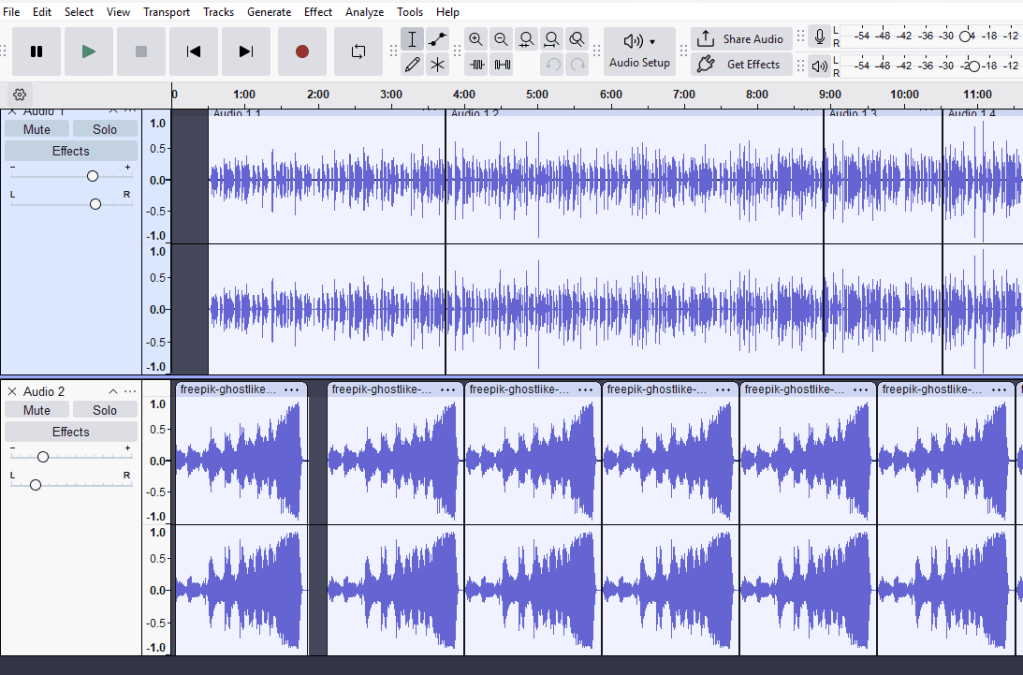
My recording software is Audacity. It’s written for Windows, MacOS, and Linux. Just download the version you want and install it. Good news, it’s free. There’s a good manual. I recommend you read it, but have a good cup of coffee. The manual is boring as watching paint dry. But on the plus side, there’s a ton of good videos out there on how to use it.
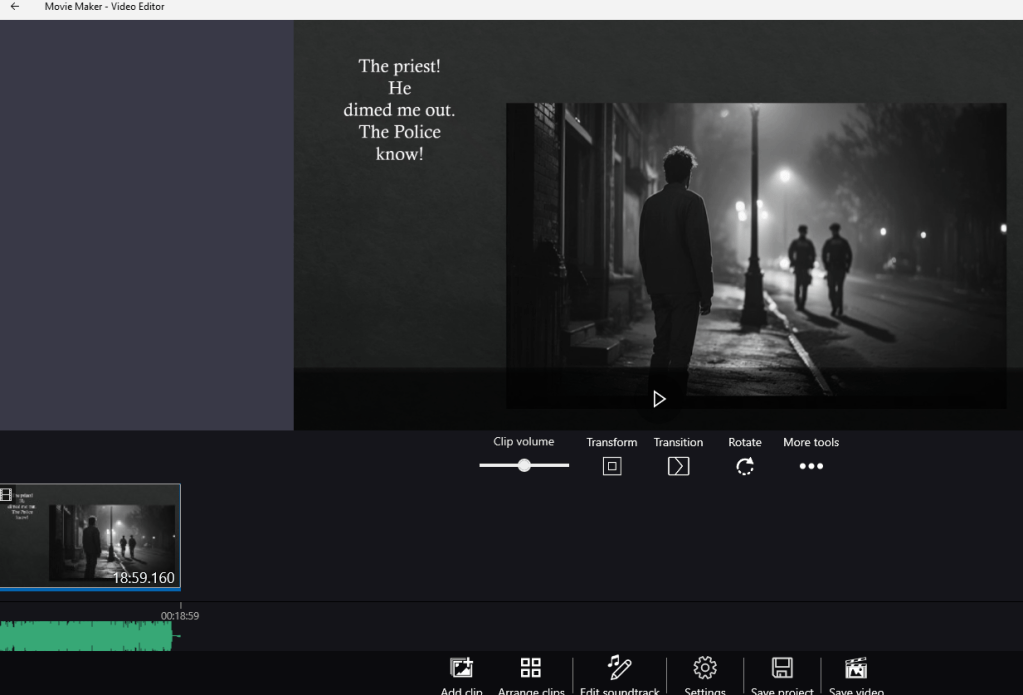
The other tool I use is Movie Maker. If you run Windows, you’ve probably already got it. If you can’t find it, go to your search bar and type Movie Maker. It should find it for you. If not, you can download it from Microsoft for free.
With those three tools, I’m ready to rock and roll.
So, how do you do this?
First, if you can get a big, long take in one sitting, outstanding. But you might have to do it in pieces. It’s not a big trick to splice takes together.
The best recommendation is to ensure you always keep your mouth the same distance from the microphone. Use the same voice volume and tempo. It takes practice, but it can be done.
Open Audacity and click Record. Start talking. If you mess up, stop recording, go back to the part you screwup on, and simply erase it and start from that point. What I do is click just before it, and holding the mouse key down, sweep everything I want to get rid of, and hit delete. With a little practice, you’ll learn to see where the mistake was and ended using the runtime clock at the bottom and do a “surgical” removal.
Next, I add in the music.
Music is another place to be cautious of because say I want to use a little Springsteen in a video or podcast. By every definition of the law, I should pay Bruce a royalty. But there is free music out there, and an excellent source is a place called Freepik. Most of the music is free, and unless you go premium, you’re limited to two downloads a day. Give the artist a shout-out in your credits if you use it, and if there is a place to donate, do so. They are a little like you and me, and just trying to make a living.
Once I record everything in Audacity and I’m happy with it, save the work as a project.
Then you can add another track and add your music.
If you’re like me and you want to add something visual to your cast, you can create a simple presentation using PowerPoint. Need imagery? There’re sites like Getty where you can buy stuff, and there are free sites (again, give them a shout out, and if you can donate, give them a buck or two), or you can use AI to generate stuff for you.
After I’ve recorded the soundtrack, I open what I did in PowerPoint and record it against the soundtrack. I then take the two, import the video I created in PowerPoint and add in the soundtrack using Movie Maker.
Then watch it. If you don’t like it, try again.
Expect a learning curve. In the beginning, you’ll feel overwhelmed by the technology and what you can and can’t do.
But with work, persistence, and a little reading and playing with the tools, you’ll get it sorted out.
One thing that helps with the mixing and recording process is to have two or more screens, Just makes life easier.
And if you get frustrated and want to walk away from it, look at it this way.
If Richard Muniz can figure it out, anyone can.
Knock it out!
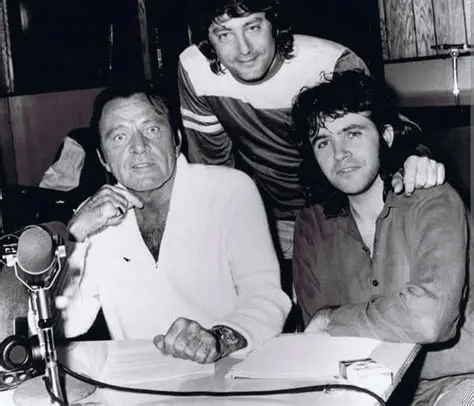
AUTHORS NOTE: I want to share a story I heard about using a celebrity to actually record for you. When Jeff Wayne and company did their musical version of War of the Worlds, they all agreed Richard Burton would be perfect to be the voice of the narrator.
Now it was a far shot getting him. After all, we’re talking one of the greatest actors the world has ever known. But they sent him the script anyway. Somehow, it got past “his people” and into his hands. He loved the idea and signed the contract for a piece of the action and the single stipulation that when they did the recording that there would be a couple of cases of beer for him.
So, they arranged it. He showed up, opened a can of beer, and started drinking. Then they recorded. All during this he’s opening can after can. And the drunker he got, the better he got. It’s an incredible performance.
Now, I wouldn’t recommend that approach, but you never know when lightning might strike!
Discover more from William R. Ablan, Police Mysteries
Subscribe to get the latest posts sent to your email.
 William R. Ablan, Police Mysteries
Great productive work, William!
LikeLike
Thanks T.W..
LikeLiked by 1 person
You’re welcome. 😊
LikeLike